Network Graph
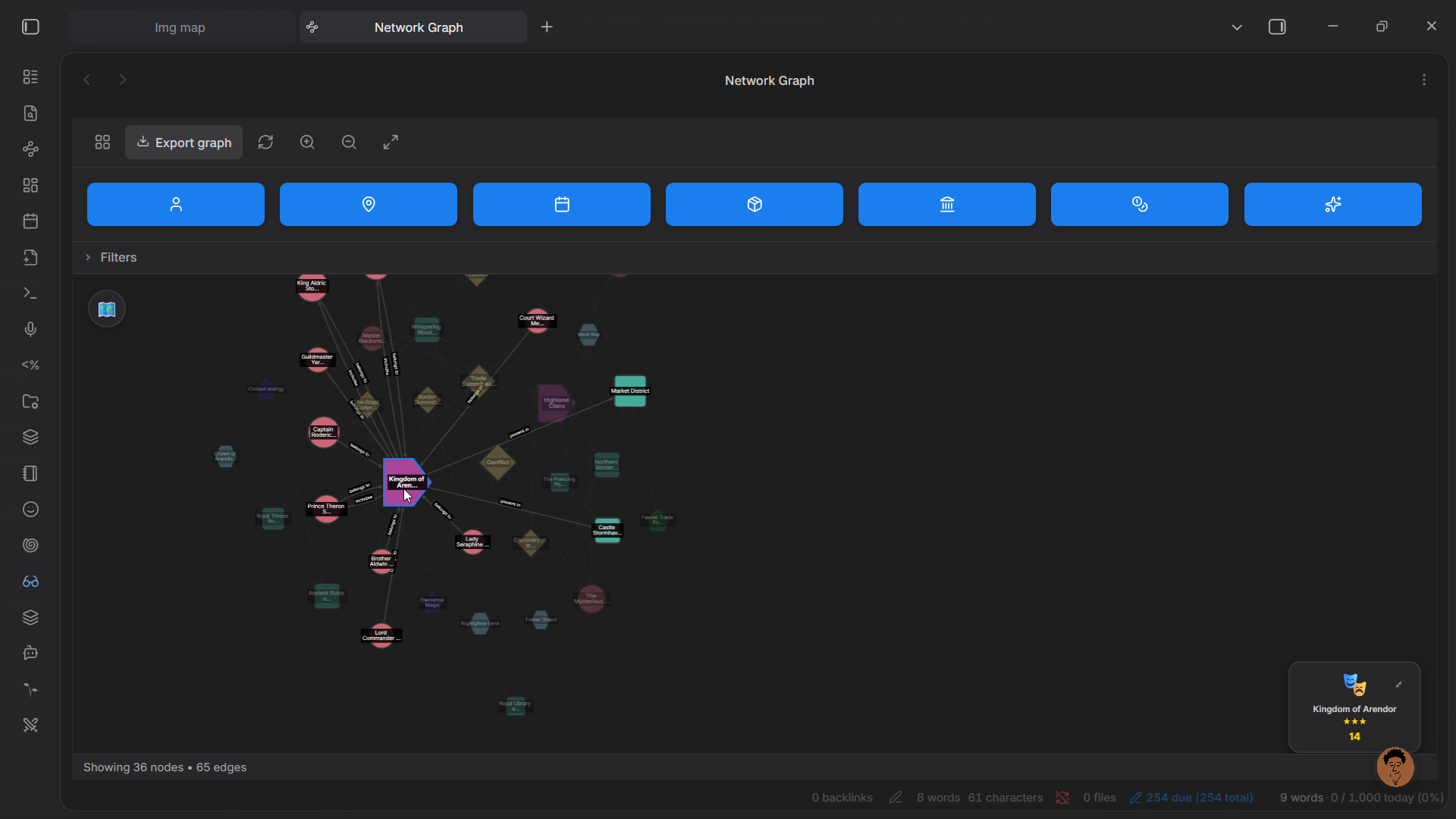
The network graph is a visual representation of the relationships between entities in your story. Nodes represent characters, locations, groups, events, and other entities. Edges represent defined relationships between them.
Opening the Graph
The network graph view is accessible from the dashboard. It renders as an interactive force-directed graph where nodes can be dragged, clusters inspected, and individual entity notes opened.
What the Graph Shows
Edges are drawn for:
- Character-to-character relationships (defined in the character modal's Relationships section)
- Character-to-group memberships
- Event-to-character involvement
- Event-to-location association
- Location hierarchy (parent-child location links)
- Inter-group relationships
Interacting with the Graph
- Drag nodes to reposition them
- Click a node to see a detail panel with the entity's name, type, and key fields
- Double-click a node to open the entity's note in Obsidian
- Scroll to zoom in and out
- Filter by entity type using the controls to hide entity types you don't want to see at a given moment
Node Count
The status bar at the bottom of the graph shows the total number of nodes and edges currently displayed.