Analytics
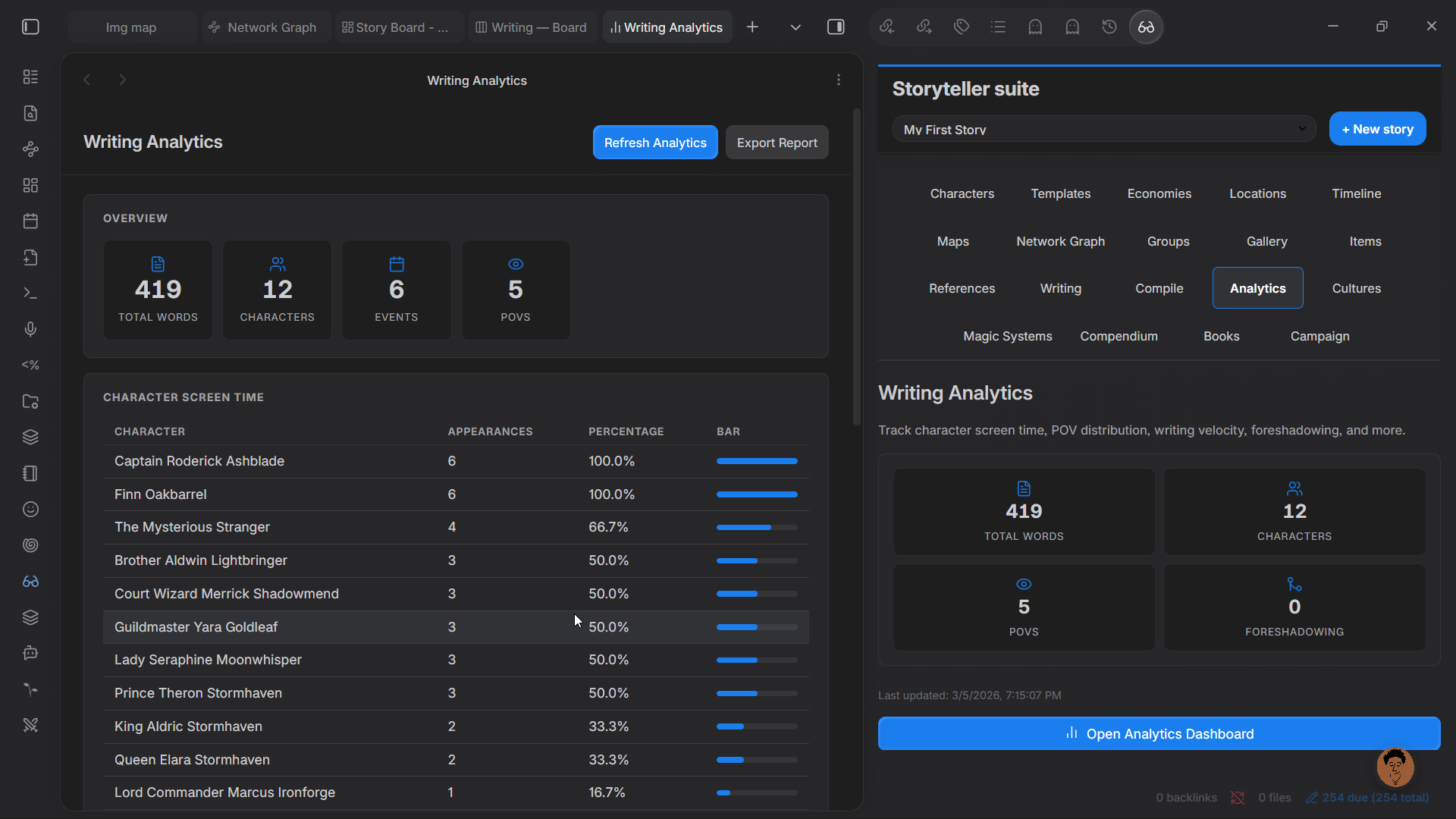
The analytics dashboard surfaces writing statistics about your story. It reads from your existing scene and character notes — no separate data entry is required.
Opening the Analytics Dashboard
Command palette: Storyteller Suite: Open analytics dashboard
Available Analytics
Overview
A summary card showing:
- Total words — combined word count of all scene notes in the active story
- Characters — number of characters tracked
- Events — total event count
- POVs — number of distinct point-of-view characters used across scenes
Character Screen Time
A breakdown of how much of your story each character appears in, measured by scene word count. Useful for spotting if a viewpoint character dominates the narrative or if a supporting character has disappeared for too long.
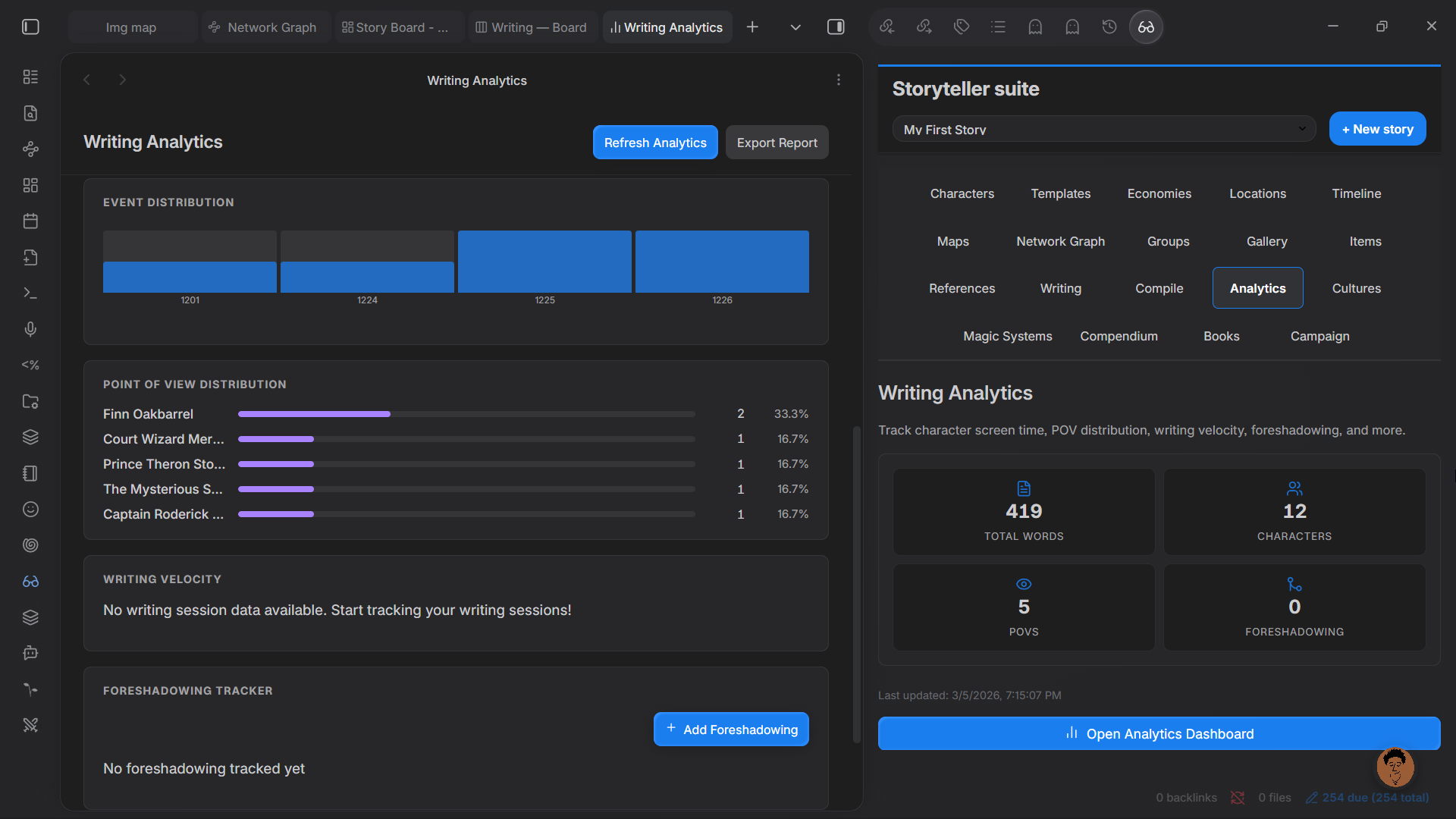
POV Statistics
Which POV characters are used in which chapters and scenes, and how much page time each receives.
Event Distribution
A breakdown of events by type or status, showing how your story's events are spread over time.
Writing Velocity
Word counts over time, based on when scene notes were last modified. Tracks your writing pace across sessions.
Dialogue Analysis
An estimated breakdown of dialogue versus prose, derived from quotation marks in scene content.
Pacing Analysis
Examines the ratio of scene to summary, action to reflection, across chapters. Flags chapters that are notably slower or faster than the average.